Create your stunning web portfolio for job hunting and freelance services with Quarto (no coding required)

About
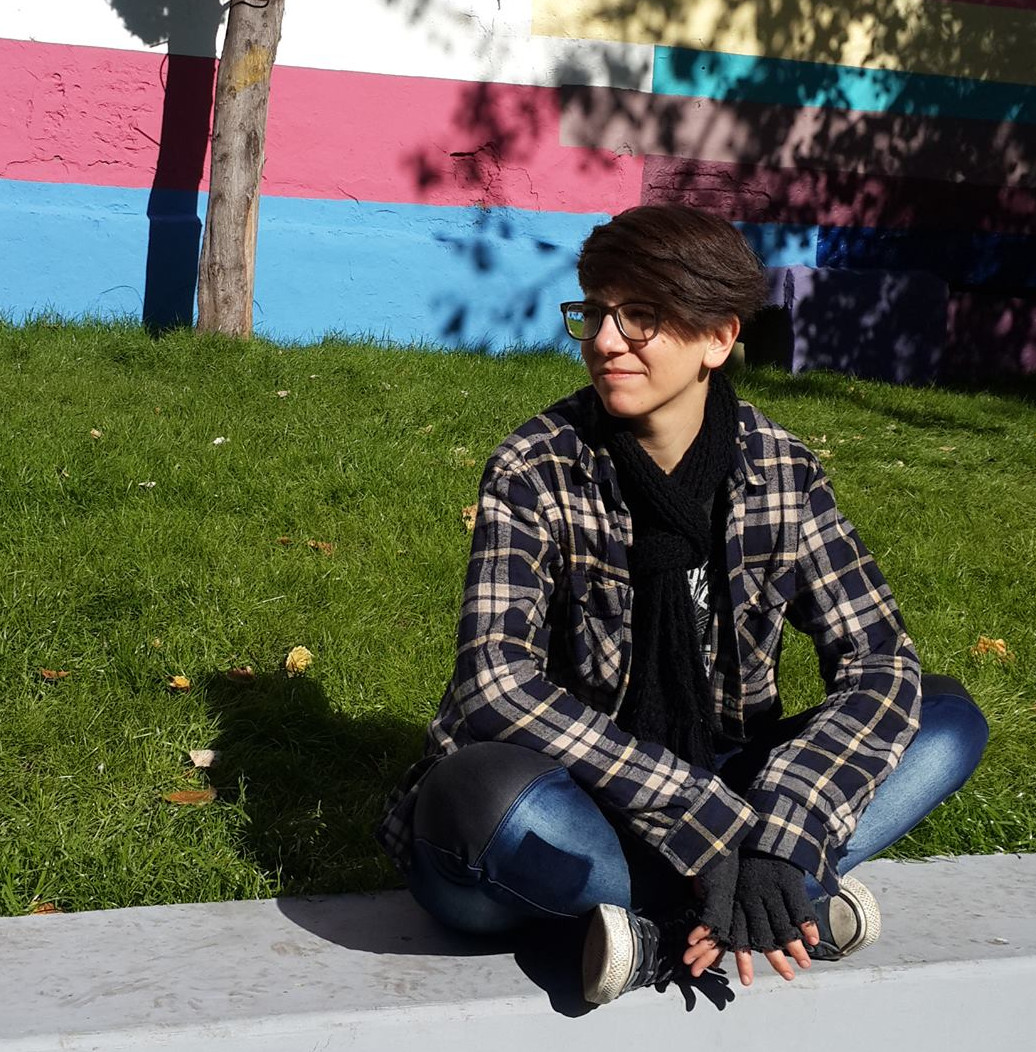
Jan Strappa

(they / them)

Dr. in Computer Science, Information Systems Engineer at CONICET (National Scientific and Technical Research Council, Argentina)

Co-founder and organizer of R-Ladies Mendoza (see R-Ladies Global)

jstrappa | todon.eu@jansf

Jan Strappa Figueroa

Jess Garriga

(they / them)

Student of Sociology at the National University of Cuyo (Argentina).

They are currently working on a research project on “Big Data and Social Sciences”.

Jess Garriga

Online slides

https://jstrappa.quarto.pub/quarto-portfolio-workshop

Portfolios

A portfolio is a collection of highlighted projects and previous works that show potential clients or employers your abilities.

· · ·

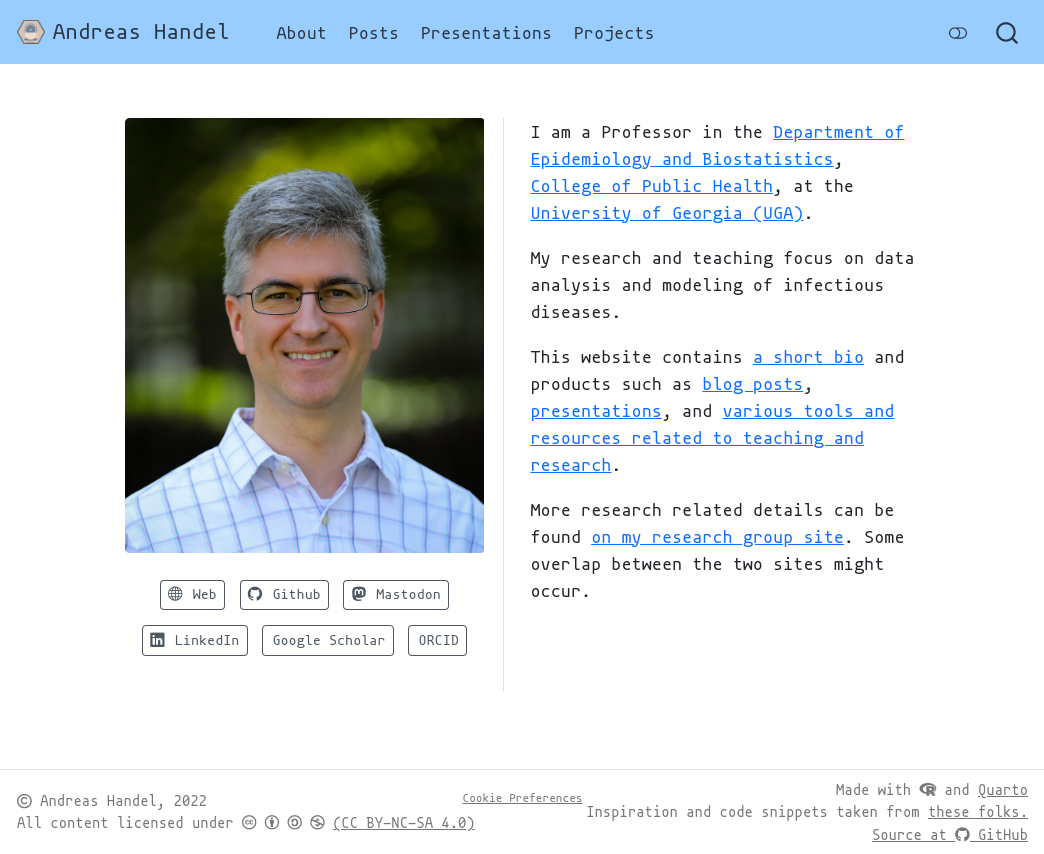
Let’s check out some cool Quarto portfolios

Why make one?

  • attractive, professional, customizable
  • a place to keep your info updated
  • tell your story in your own words

· · ·

Questions for the audience

https://www.menti.com/alfqty7y7jb8

Why Quarto? What if I’m not a programmer?

  • You don’t need to know programming
  • You can learn while doing
  • Documents are in plain text, you can use any editing software
  • Open source: freedom, community
  • More control over your website (customizable, efficient)
  • Many hosting options (free / paid)
  • For programmers: Quarto supports R, Python, Julia and Observable; lots of cool features for code, reproducibility, and more!

First steps

  1. Download & install VSCode: https://code.visualstudio.com
  2. Download & install Quarto: https://quarto.org/docs/get-started
  3. In VSCode, install Quarto extension:
    • Extensions → search bar: “quarto” → Install

While you do this…

A bit of history & context

  • Markdown (.md): markup language
  • Quarto (.qmd): open source system for publishing (Markdown + executable code)
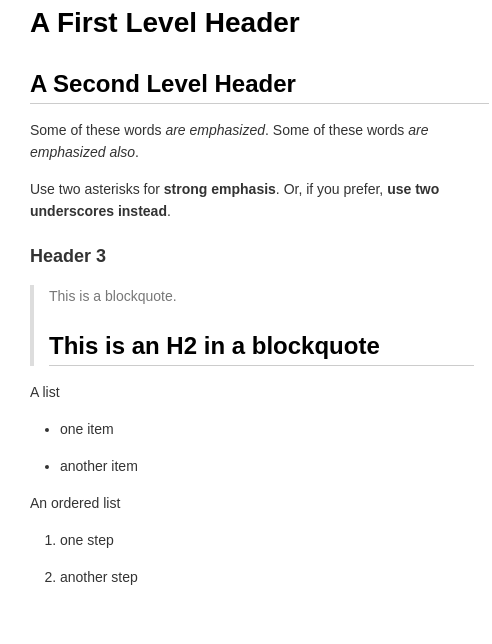
A First Level Header
====================

A Second Level Header
---------------------

Some of these words *are emphasized*.
Some of these words _are emphasized also_.

Use two asterisks for **strong emphasis**.
Or, if you prefer, __use two underscores instead__.

### Header 3

> This is a blockquote.
>
> ## This is an H2 in a blockquote

A list

- one item
- another item

An ordered list

1. one step
1. another step
Tools and formats we will use

Name Extension Purpose
Quarto .qmd content
YAML .yml configuration
CSS .css style
HTML .html output

Do we have to write all these files by ourselves?

No! We’ll use an IDE (Integrated Development Environment):

VSCode, RStudio, Vim, text editors…

· · ·

Process overview

  1. IDE creates the ‘skeleton’ for your blog
  2. you focus on content and configuration
  3. IDE renders the project
  4. repeat steps 2 to 4
  5. publish online

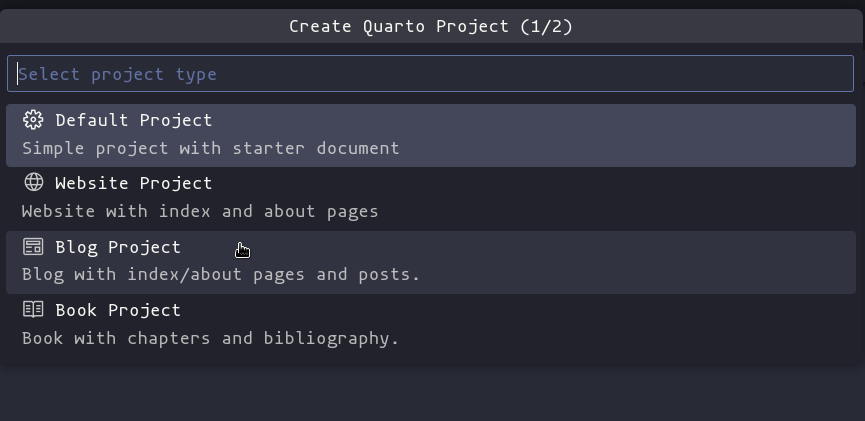
Creating a blog

  1. Open VSCode
  2. Open the Command Palette
  3. Type ‘quarto’
  4. Choose ‘Quarto: Create Project’
  5. Choose ‘Blog Project’

Creating a blog

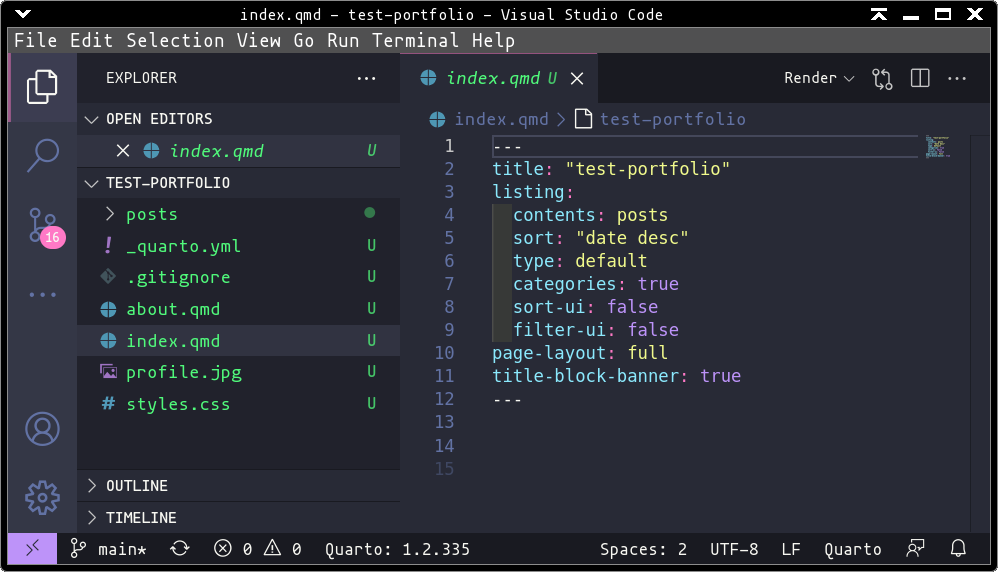
Project structure in VSCode
_quarto.yml

project:
  type: website

website:
  title: "Deep Space Solutions"
  navbar:
    right:
      - about.qmd
      - icon: github
        href: https://github.com/jstrappa
      - icon: twitter
        href: https://twitter.com/StarTrek
format:
  html:
    theme: 
      light: journal
      dark: vapor
    css: styles.css
  • Choose title, add social media links, and choose a blog theme

about.qmd

---
title: "About"
image: profile.jpg
about:
  template: jolla
  links:
    - icon: twitter
      text: Twitter
      href: https://twitter.com/StarTrek
    - icon: linkedin
      text: Speaker's LinkedIn
      href: https://www.linkedin.com/in/jan-strappa/?locale=en_US
    - icon: github
      text: Speaker's Github
      href: https://github.com/jstrappa
---

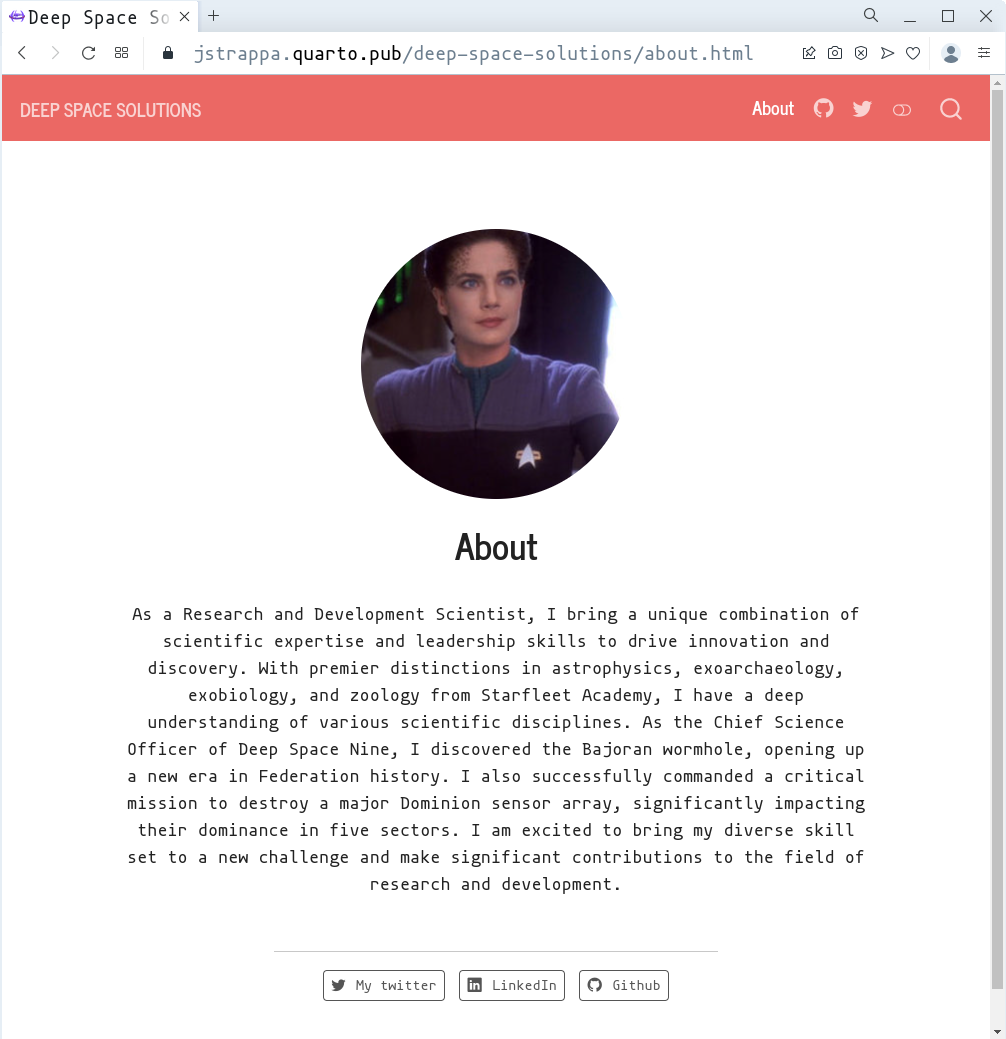
As a Research and Development Scientist, I bring a unique combination of scientific expertise and leadership skills to drive innovation and discovery. With premier distinctions in astrophysics, exoarchaeology, exobiology, and zoology from Starfleet Academy, I have a deep understanding of various scientific disciplines. As the Chief Science Officer of Deep Space Nine, I discovered the Bajoran wormhole, opening up a new era in Federation history. I also successfully commanded a critical mission to destroy a major Dominion sensor array, significantly impacting their dominance in five sectors. I am excited to bring my diverse skill set to a new challenge and make significant contributions to the field of research and development.
  • Save your picture as profile.jpg, choose template, add social media links, and write your about text!
  • There are more templates

Post template: index.qmd

---
title: 'post title'
subtitle: 'post subtitle'
author:
  - name: your name
date: "mm/dd/yyyy"
lang: en
categories:
  - data
  - code
  - blog
draft: true # change to false to publish!
description: 'description for this post'
image: ""
archives:
  - ""
---

This is the first post in a Quarto blog. Welcome!

![](thumbnail.jpg)

## Section

Since this post doesn't specify an explicit `image`, the first image in the post will be used in the listing page of posts.
  • Tip: Keep a template folder for posts with this file inside. When making a new post, copy it, rename it, and edit the content to make your post. Change draft: false to make it public.

Example Post

---
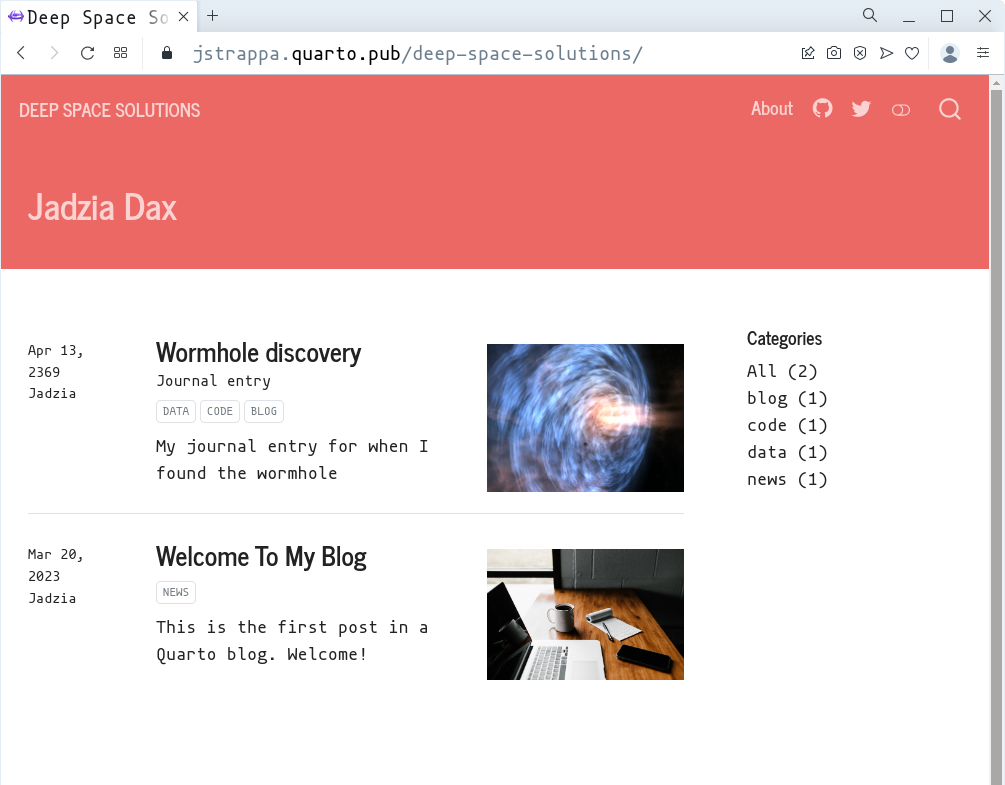
title: 'Wormhole discovery'
subtitle: 'Journal entry'
author:
  - name: Jadzia
date: "04/13/2369"
lang: en
categories:
  - data
  - code
  - blog
draft: false # change to false to publish
description: 'My journal entry for when I found the wormhole'
image: ""
archives:
  - ""
---

Something something

![](wormhole.jpg)
  • Tip: Remember to double check image filenames (you can use autocomplete in VSCode)

Additional elements: Projects section

  1. Create a folder projects (works like posts).
  2. Create projects.qmd:
---
title: "Projects"
listing:
  contents: projects     # folder with your project posts
  sort: "title"
  type: grid
  image-height: 260px
  categories: true
  sort-ui: true          # order by
  filter-ui: true        # filter by
page-layout: full
title-block-banner: false
comments: false
---
  1. In _quarto.yml, add inside navbar:
    - text: Projects
      href: projects.qmd

Additional elements: downloadable resume

  1. Copy your resume inside the project folder, e.g. files/resume.pdf.

  2. In _quarto.yml, add inside navbar:

      - text: CV
        href: resume.qmd
  1. Create resume.qmd:
<iframe 
  width="1050" 
  height="1200" 
  src="files/resume.pdf">
</iframe>

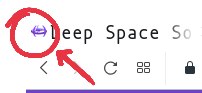
Additional elements: favicon

  1. Find or make an icon and save it inside your project folder; e.g. images/favicon.png

  2. In _quarto.yml, add inside website:

website:
  favicon: "images/favicon.png"

Where to get icons

Publishing

How to publish your Quarto portfolio

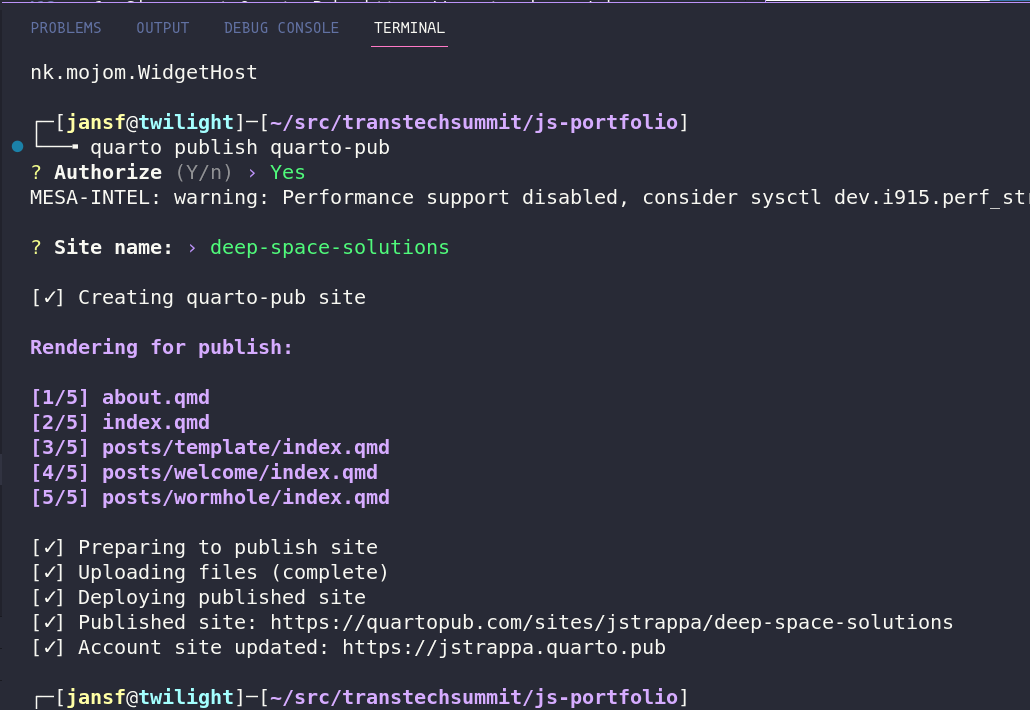
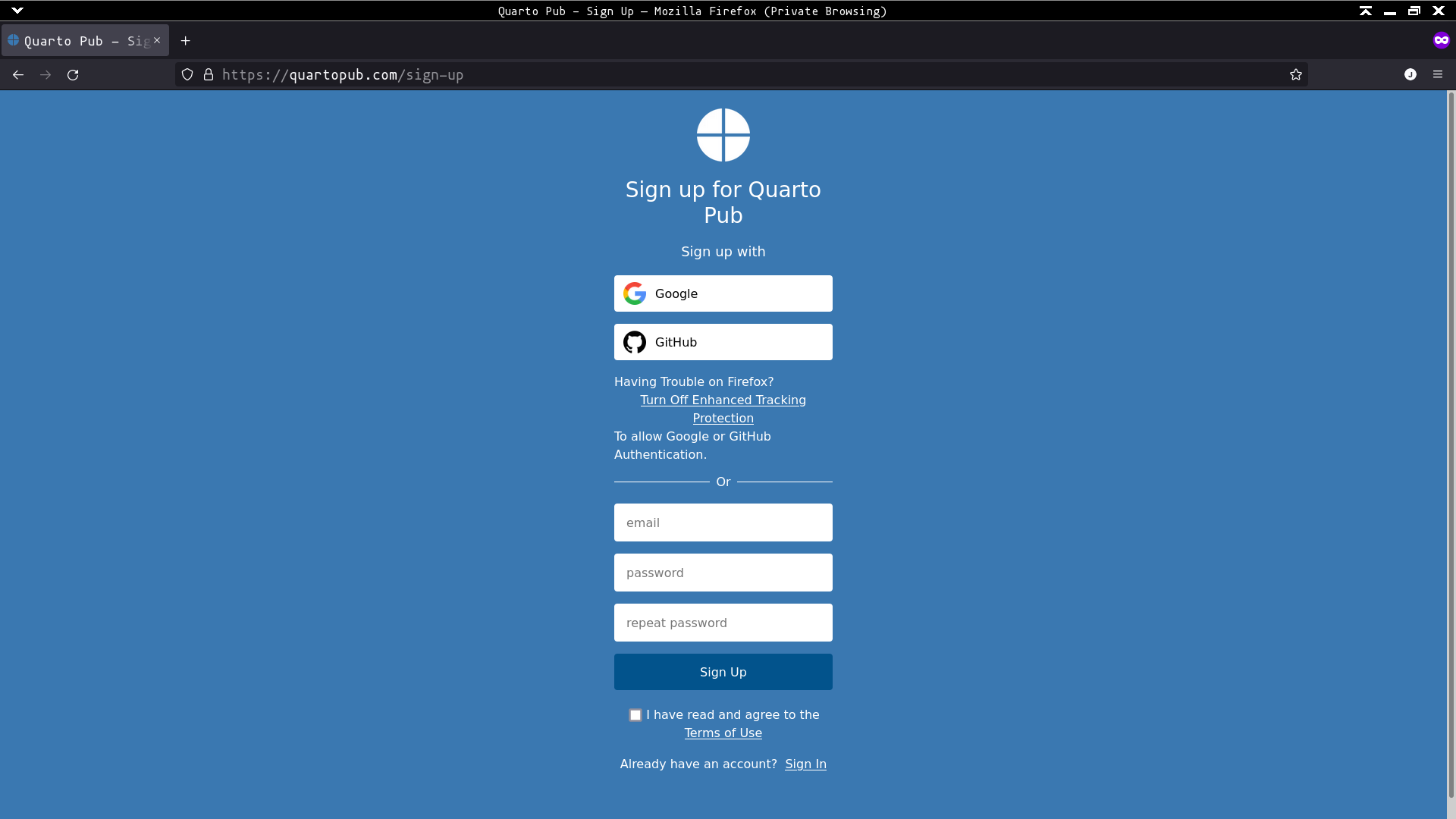
  1. Sign up at Quarto Pub: https://quartopub.com/sign-up
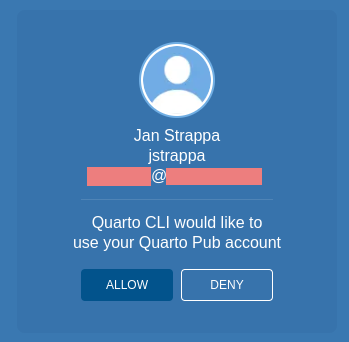
  1. In the terminal, type: quarto publish quarto-pub
  2. Authenticate (first time)

Published portfolio: Homepage
Published portfolio: About
Final thoughts (off-topic)

It looks so easy, but… (we’re trans)

  • What to do if my legal name is different?
  • Should I let them know that I’m trans?
  • How do I talk about previous work without outing myself?
  • Should I put my pronouns or not?
  • There is information about me online that I don’t want employers/clients to see. What can I do?

My thoughts

  • No single answer; do what feels best for you
  • It’s OK to have different information for different audiences (e.g. resume vs public)
  • It’s OK to have conflicting information (e.g. you wrote an article under your previous name, you can cite yourself with your REAL name)
  • Learn about data privacy:
    • some information is not needed (age, gender)
    • configure irrelevant accounts to be hidden from web search engines
    • the ‘right to be forgotten’: asking for private information to be deleted from public view (usually not easy to achieve)
    • create profiles on highly visible websites to draw more attention to your current situation, not past
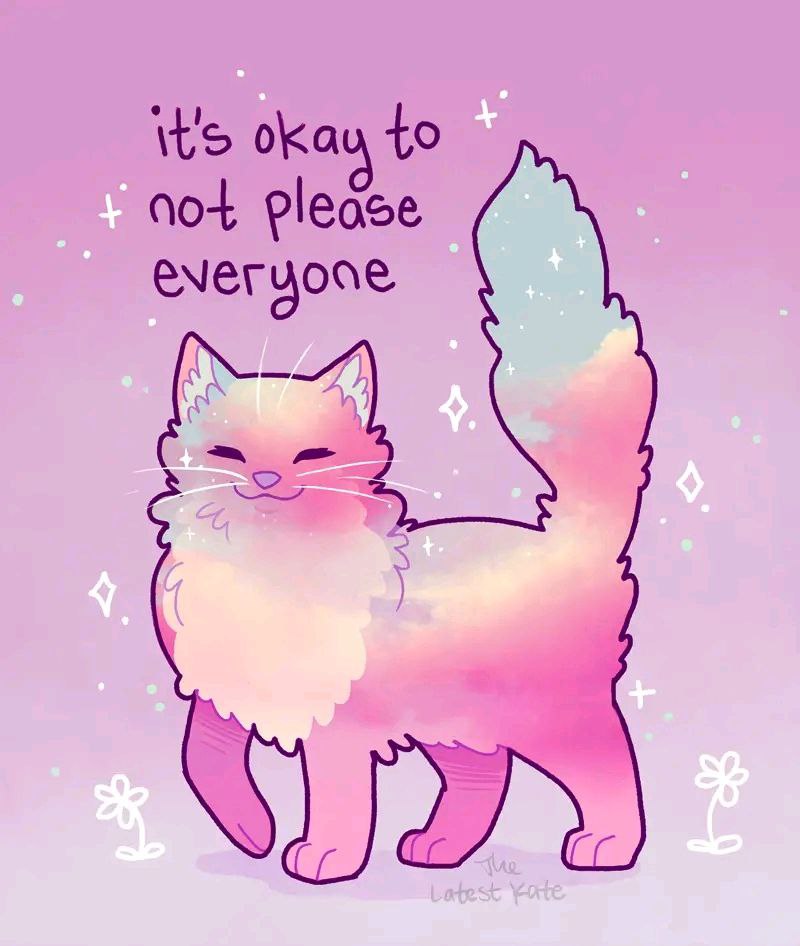
Remember that you are valid and deserve unconditional love!

Thank you for joining
Credits